
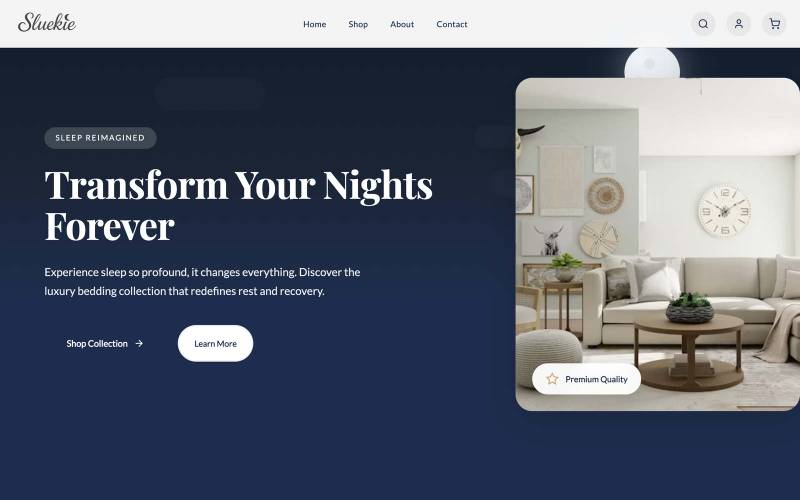
 Own brand
SLUEKIE
See the build →
Own brand
SLUEKIE
See the build →
Your Shopify store, written from scratch in Toronto.
One team designs the pages, writes the code and shoots the products. Our office is at 1050 King Street West.
Tell us what you sell and anything the store has to connect to. The first stage is the plan in writing, and it takes two business days.
What you get
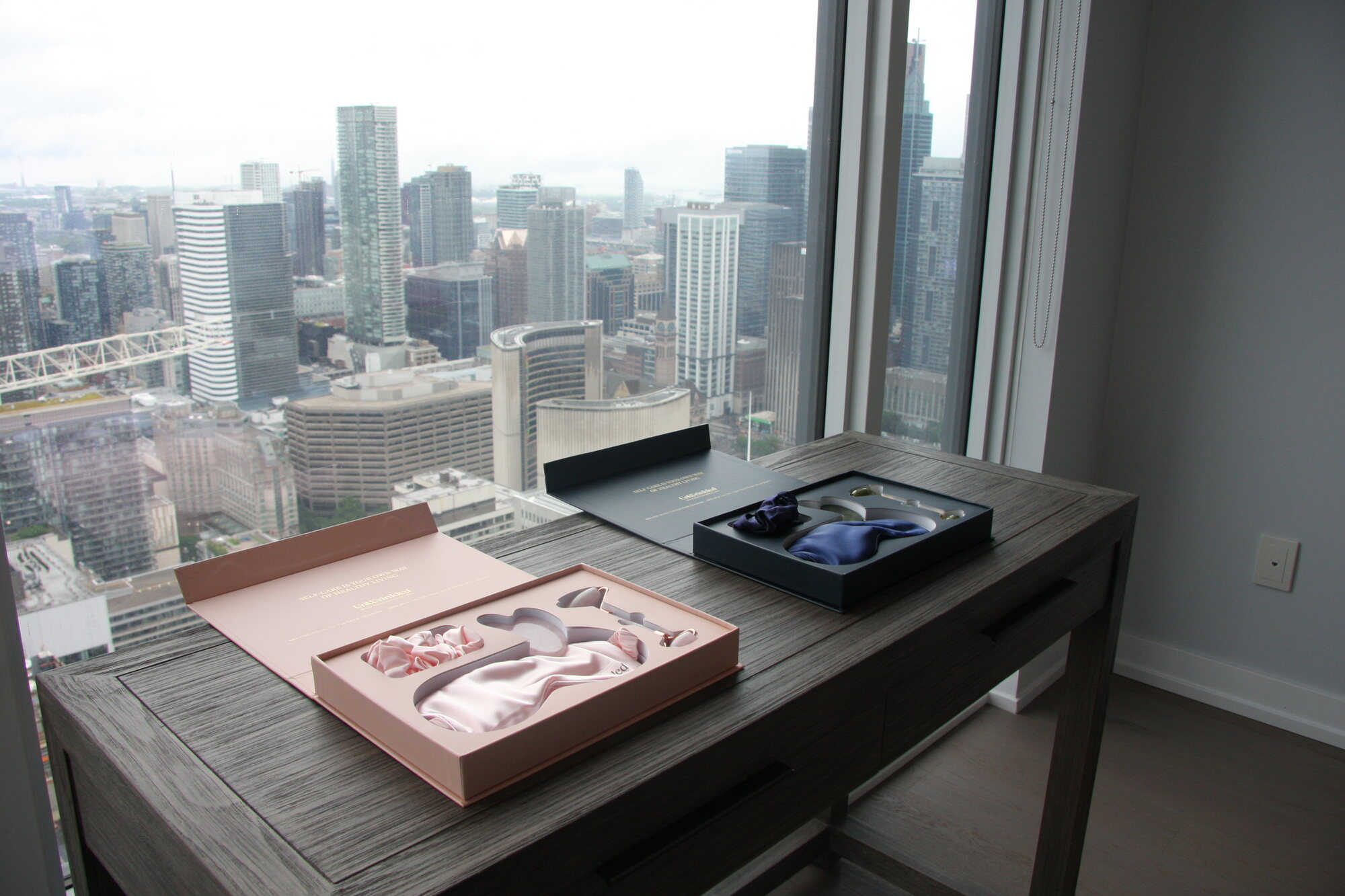
Your store, designed around your own products.
01
The theme
We draw every page first, then write the code by hand. You see it on a test store you can open on your own phone.
02
Payments and shipping
Your payment provider, your shipping and your tax rules, connected and tested with a real order.
03
Product photography
A full day shooting your products, editing included. The store goes live with pictures of what you actually sell.
What we write
Six pages and two connections, written by hand.
- theme/
- layout/
- theme.liquid
- templates/
- index.jsonpage 1
- product.jsonpage 2
- collection.jsonpage 3
- cart.jsonpage 4
- page.about.jsonpage 5
- page.contact.jsonpage 6
- sections/
- header.liquid
- featured-collection.liquid
- product-media.liquid
- footer.liquid
- snippets/
- price.liquid
- product-card.liquid
- config/
- settings_schema.json
- settings_data.json
- assets/
- theme.css
- theme.js
- locales/
- en.default.json
- webhooks/
- orders/createconnection 1
- fulfillments/updateconnection 2
A Shopify Online Store 2.0 theme, file by file. The six pages and the two connections are marked in the list.
How long
From the first call to live in five to seven weeks.
Every stage goes in the written agreement. The launch date is fixed before we start.
- 01 The plan, in writing Which pages, which software has to connect, and how your products and their sizes and colours are organised. 2 business days
- 02 Theme build We write every page around your products, then connect payments, shipping and tax. 3 to 5 weeks
- 03 Photography, then your products go in One day of shooting. Then the pictures, the words and the sizes and colours go in. 1 week
- 04 Launch and training Your web address points at the new store and old links are forwarded. We place one real order and refund it, then spend an hour showing you how to run it. 3 business days
- Designed and built at 1050 King Street West
- The plan in writing in two business days
- The launch date fixed before we start
- An hour of training on the day it goes live
Proof
A store we run ourselves.
We sell our own merchandise online. Open it on your phone, pick a colour and go as far as the payment screen.
Our own store · open now
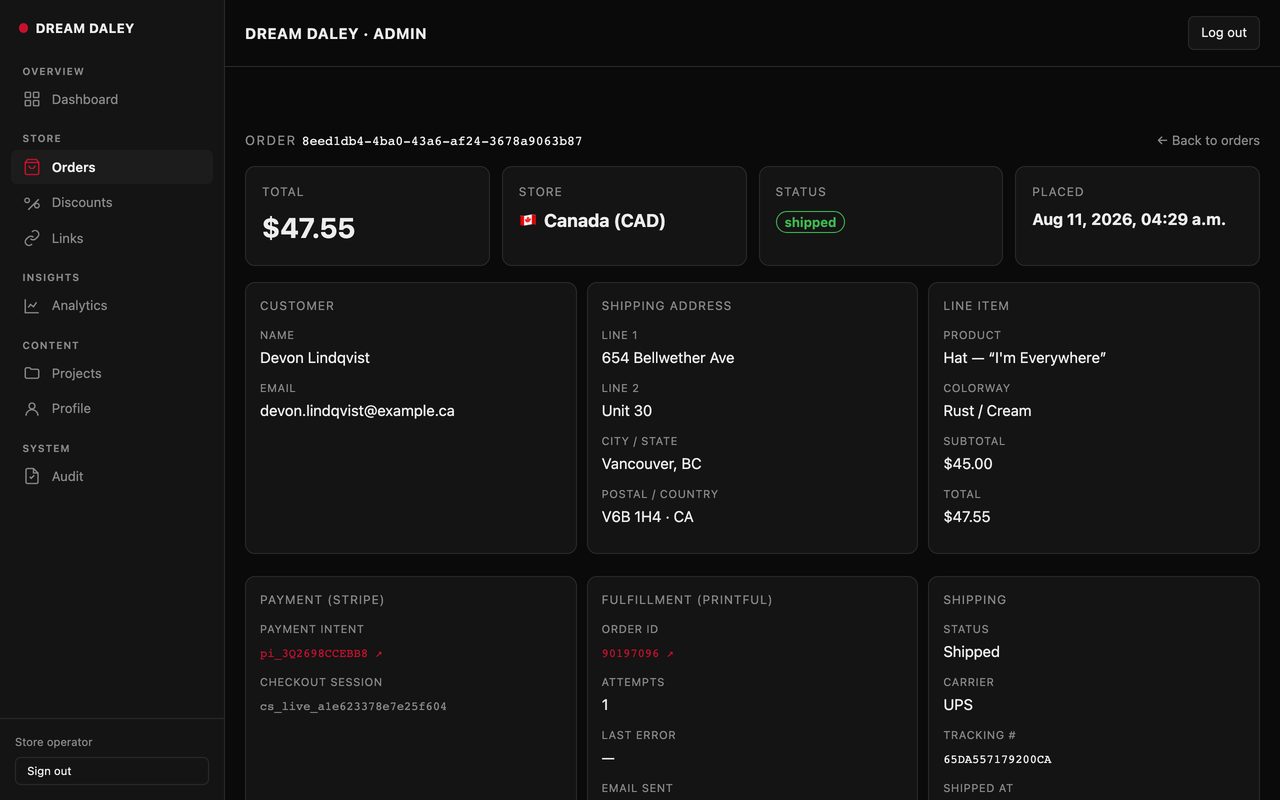
Payment, shipping and tracking on one screen
What a product page needs

The photography is the product page
A Shopify product page is mostly a frame around a photograph. See the office and the technology portfolio.
The admin behind that store
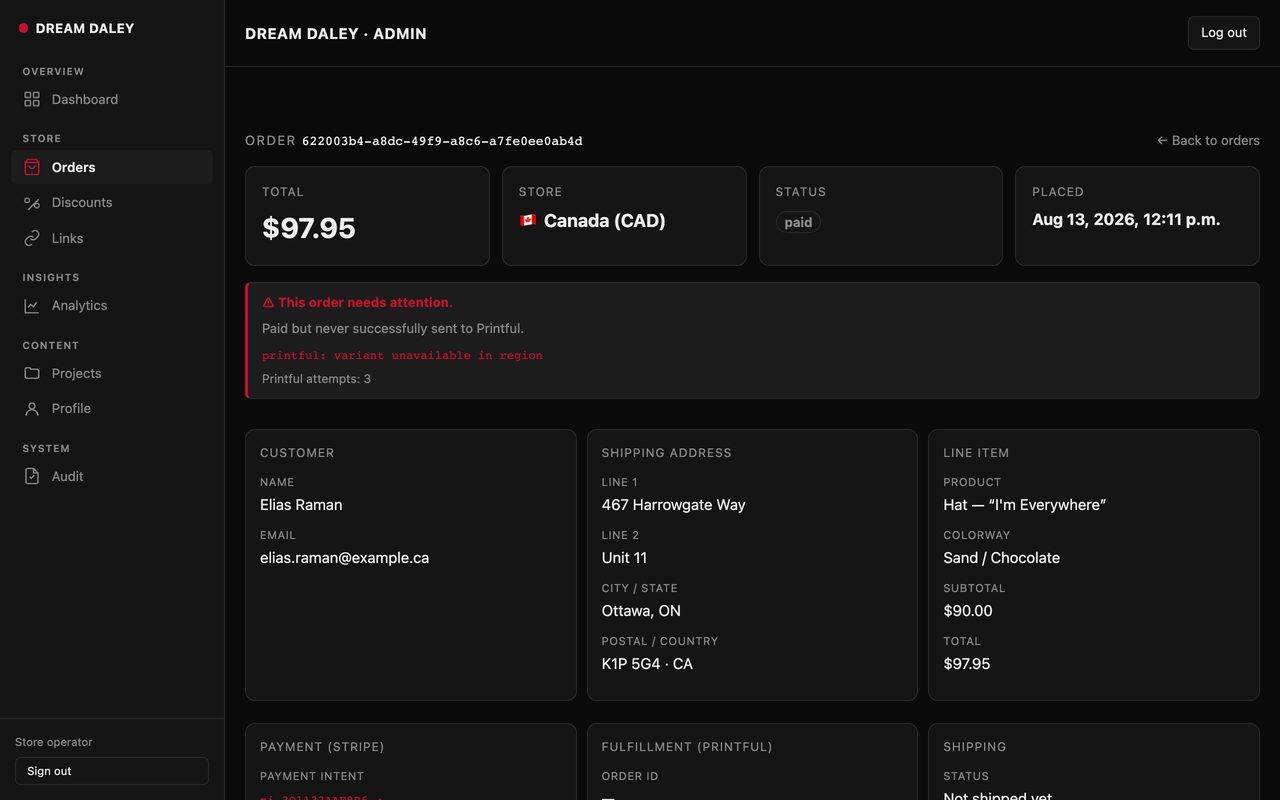
Our own store · orders
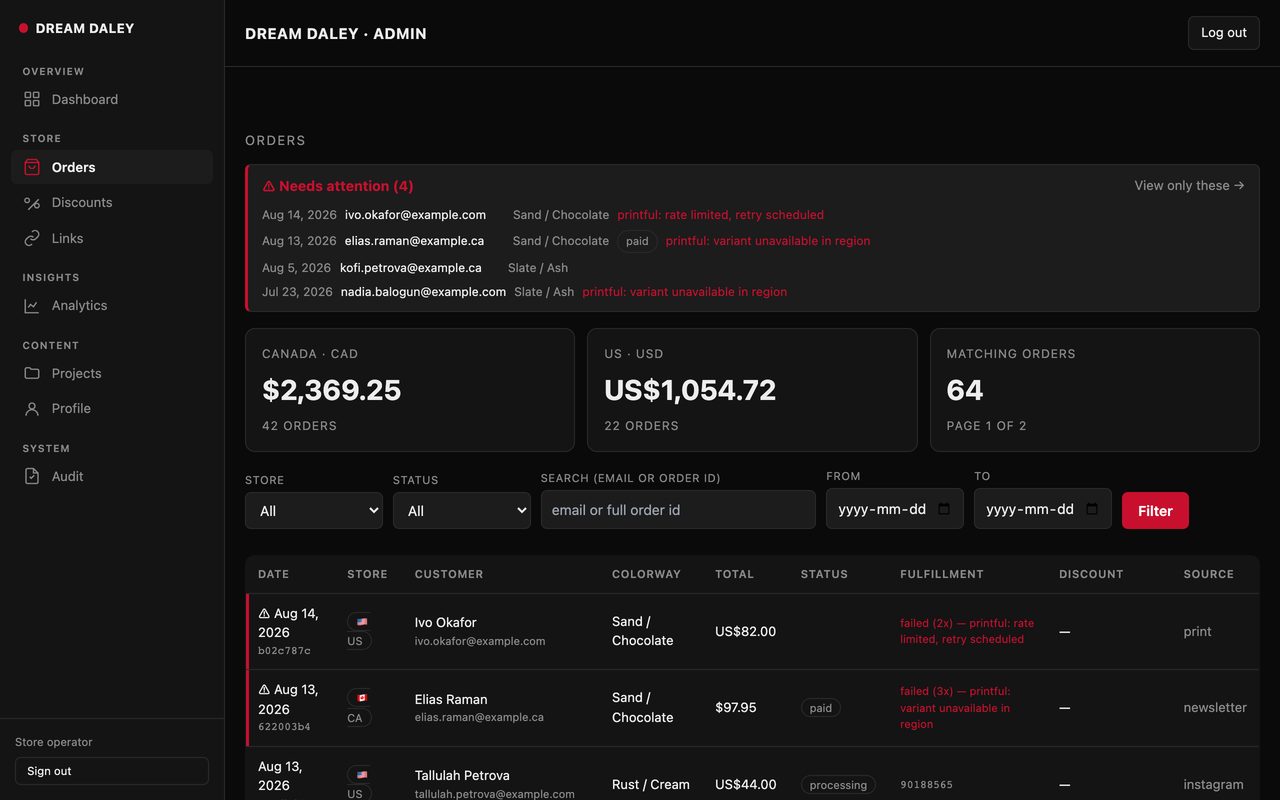
Our own store · the one that failed
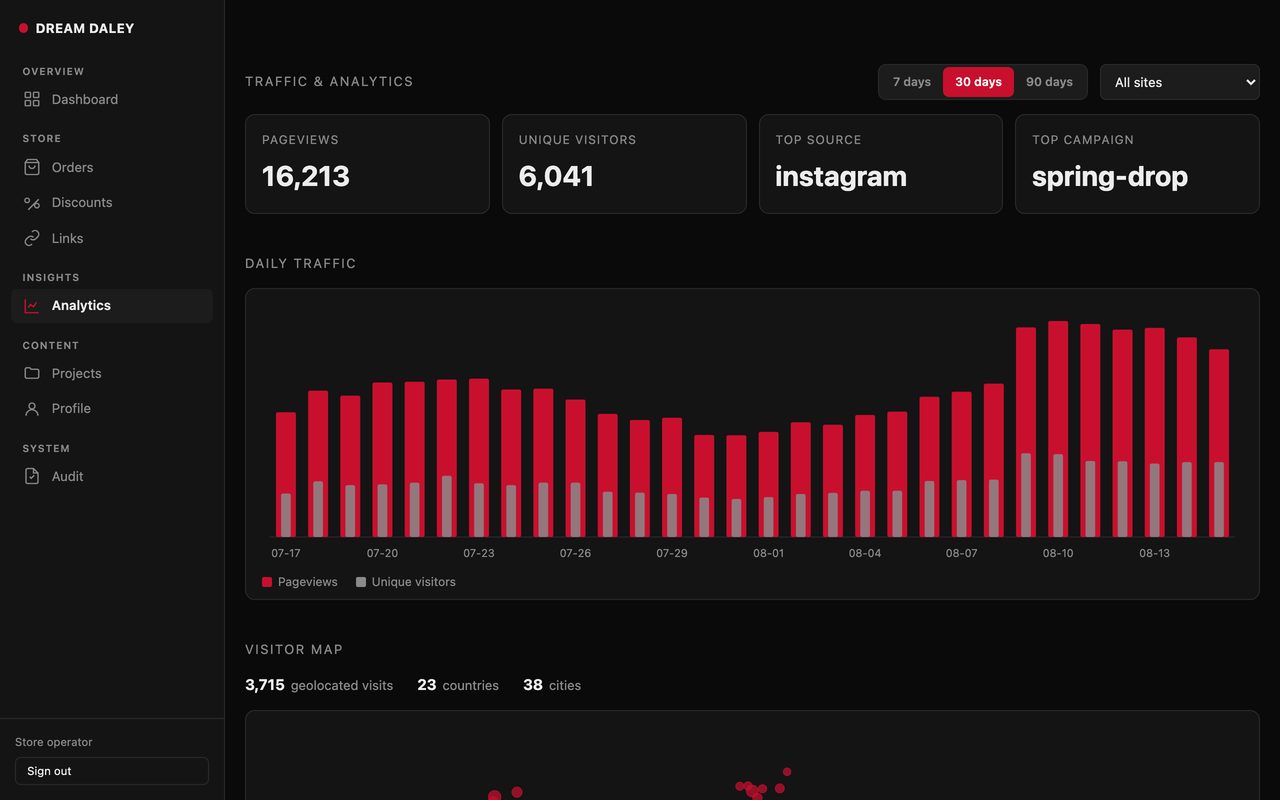
Our own store · where buyers came from
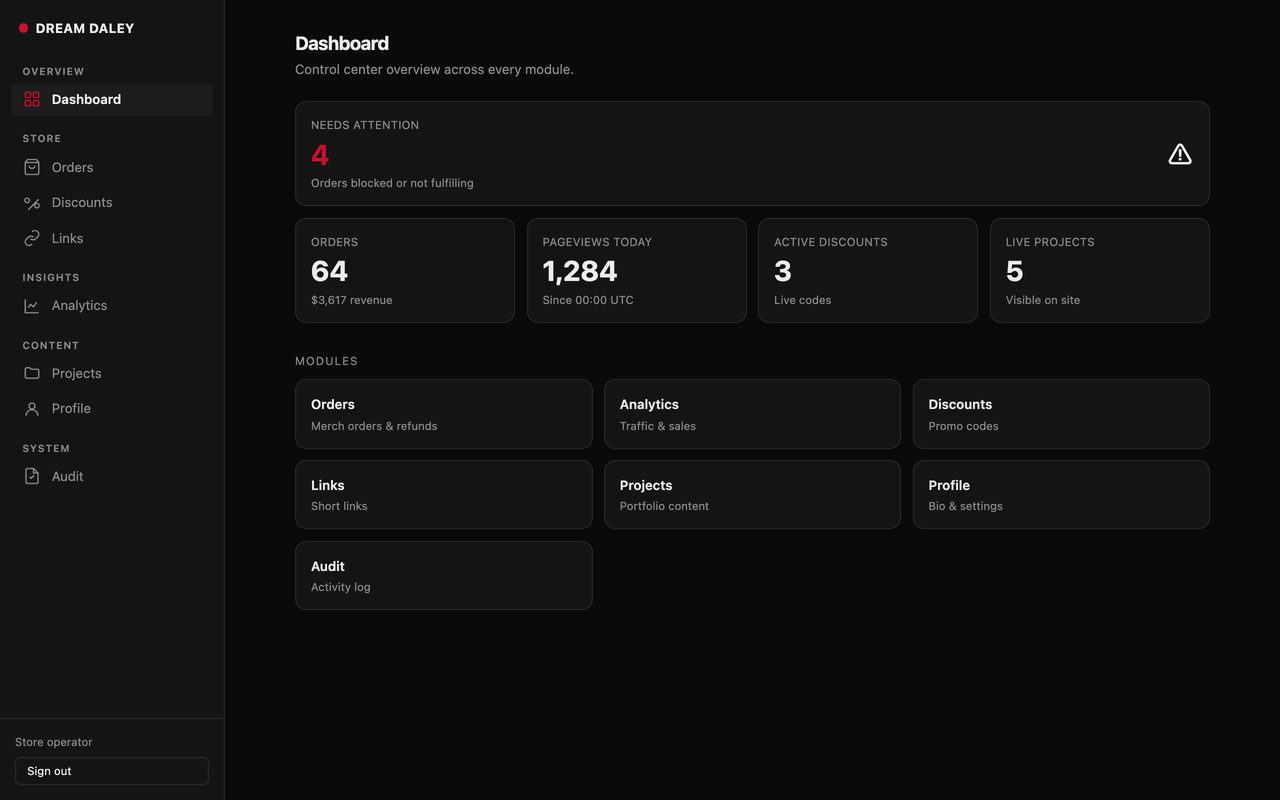
Our own store · the first screen
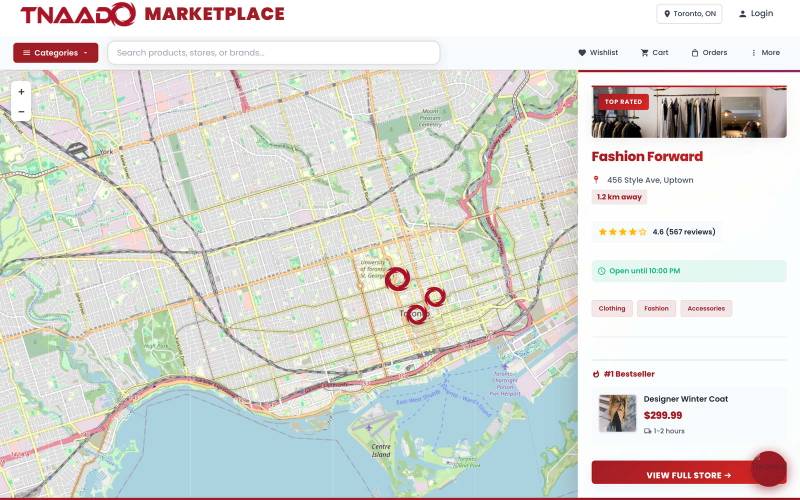
Storefronts we designed and built


What happens when a customer pays
Stripe PaymentIntent
created
method
attached
attached
requires
action
action
processing
succeeded
card declined, retry with a new method
- payment_intent.created · created
- payment_method.attached · requires_confirmation
- payment_intent.requires_action · 3-D Secure
- payment_intent.payment_failed · card_declined
- payment_method.attached · retry
- charge.pending · processing
- payment_intent.succeeded · succeeded
- event
- payment_intent.succeeded
- CAD
- status
- succeeded
- live
The card is offered, the bank may ask the customer to confirm it, and the payment either clears or is declined and they try another one. The two connections in the file list are what update your order record as this happens.
Before you call
Three things you can look at now.
Stores and sites we designed and built are in the technology portfolio. The room they came out of is on the office page. What clients said about working with us is on the testimonials page.
The call is thirty minutes with the person who would write your theme.
Questions
What people ask first.
Do you migrate an existing store?
Yes. Your products, their sizes and colours, your customers and your past orders all come across. We also forward your old web addresses to the new ones, so your Google rankings do not break on launch day.
Who owns the store?
You do. The Shopify account is opened in your name, the code and any custom app we build are yours, and your web address stays with whoever you bought it from.
What is involved in running it every month?
Shopify bills you directly for its own plan and its card processing. Anything we build outside Shopify, we host and manage month to month.
Who will actually be working on it?
Our own staff, in Toronto. Nothing is outsourced. One senior engineer plans the work with you and is who you call if something breaks. The team page lists everyone.
What if we already have an agency or an in-house team?
That is the usual situation. We are often brought in beside a team you already have, to cover one gap: a build nobody has time for, a shoot your own team cannot staff. We agree exactly what we are building, in writing, before anyone starts.
Book a call
Send us your Shopify store. We will find what is slowing it down.
Thirty minutes with the engineer who would write your store.
On the call
Ten recorded minutes on the store you have now
Which parts of your store are doing real work, which apps are slowing every page down on a phone, and your product page rewritten.